Android public beta
Smart tap & swipe automation for Android
Simple profile-based automation with Free and Pro options. TapPilot helps you set up user-directed tap assistance, choose profiles, and control when automation starts.
TapPilot Beta
Download the signed Android APK from the official site, sign in, enable Accessibility permission, and start with a short test session.
- Android only
- Free plan available
- Pro 30-Day Pass through PayPal
- TapPilot ads removed for Pro users
App preview gallery
Screenshots will appear here as the beta gallery is filled in. Missing images are handled as placeholders so setup pages still work.



How TapPilot works
1. Install the APK
Download TapPilot from this official website and allow the browser or file manager if Android asks.
2. Sign in
Use Google Sign-In or email/password so your account can keep plan and usage status.
3. Enable Accessibility
Turn on TapPilot in Android Accessibility settings so user-directed tap assistance can run.
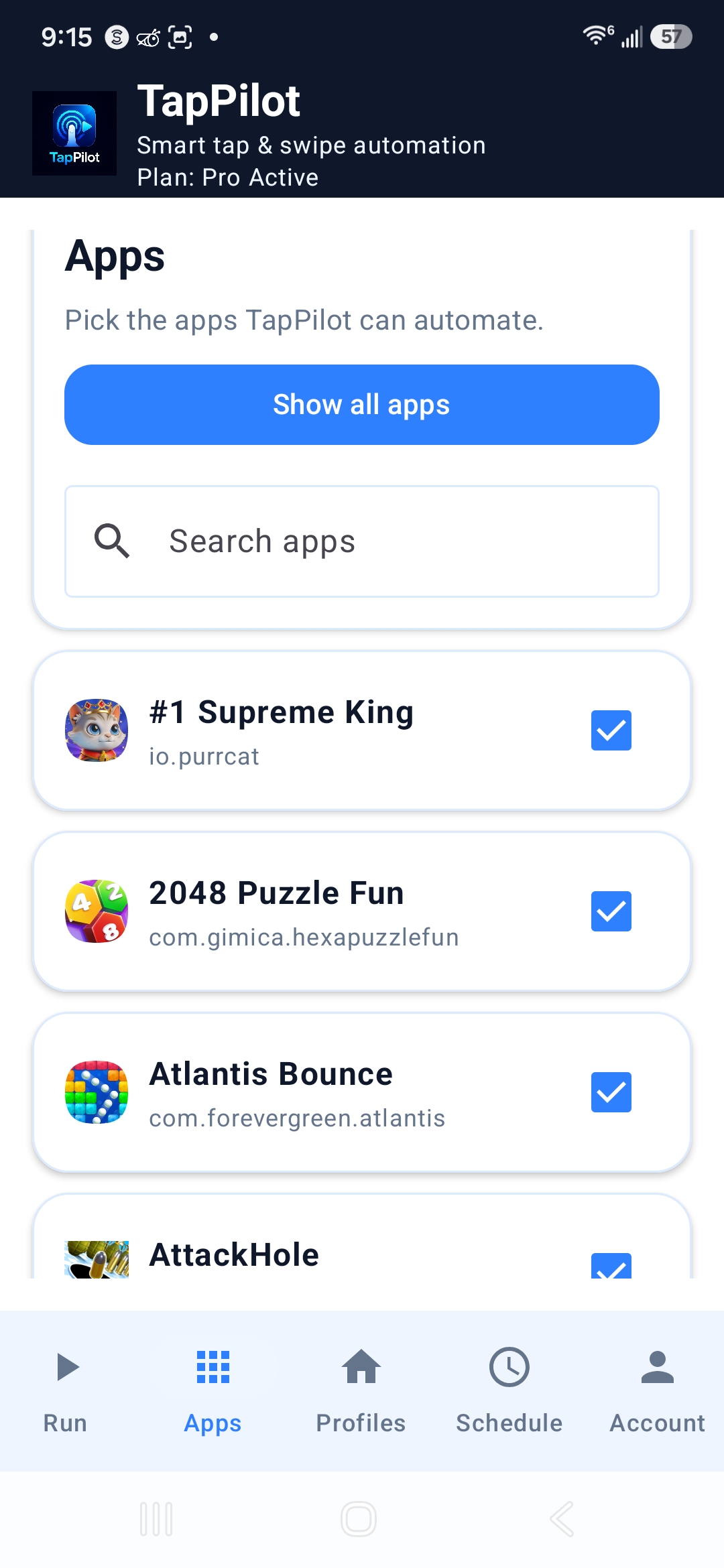
4. Pick apps
Select the apps or games you want to use with TapPilot profiles.
5. Create a profile
Set up basic profile behavior and preview target areas before running.
6. Run or schedule
Tap Run Now, or use scheduling and rotation when Pro is active.
Free vs Pro summary
Free
- 20 minutes/day automation
- 1 active profile
- Basic Smart Play
- Rewarded ads can add +10 minutes, max 3/day, up to 50 minutes/day
Pro 30-Day Pass
- One-time payment, no automatic renewal
- Unlimited automation time during the active pass
- Unlimited profiles
- Scheduling and rotation
- Advanced Smart Play
- TapPilot ads removed inside the app
Pro unlocks after PayPal confirms payment. Debit/credit card may be available through PayPal checkout.
TapPilot quick-start video
Watch a short walkthrough showing how to sign in, enable Accessibility, choose apps, create profiles, and start automation.
Quick-start video coming soon.
Follow the step-by-step guide below for now.
Open the getting started guideThis video shows the basic setup flow. Screens may look slightly different depending on your Android device.
Safety and responsible use
TapPilot uses Android Accessibility permission to perform user-directed automation. Users are responsible for following the rules and terms of any apps they use with TapPilot. TapPilot does not promise rewards, earnings, or outcomes in third-party apps.