Getting started
Learn what TapPilot does, how the Android beta works, and how to run a first profile.
Enable Accessibility
Why the permission is required and how to confirm TapPilot is ON.
Free vs Pro
Compare daily Free limits, rewarded ads, Pro profiles, scheduling, and Advanced Smart Play.
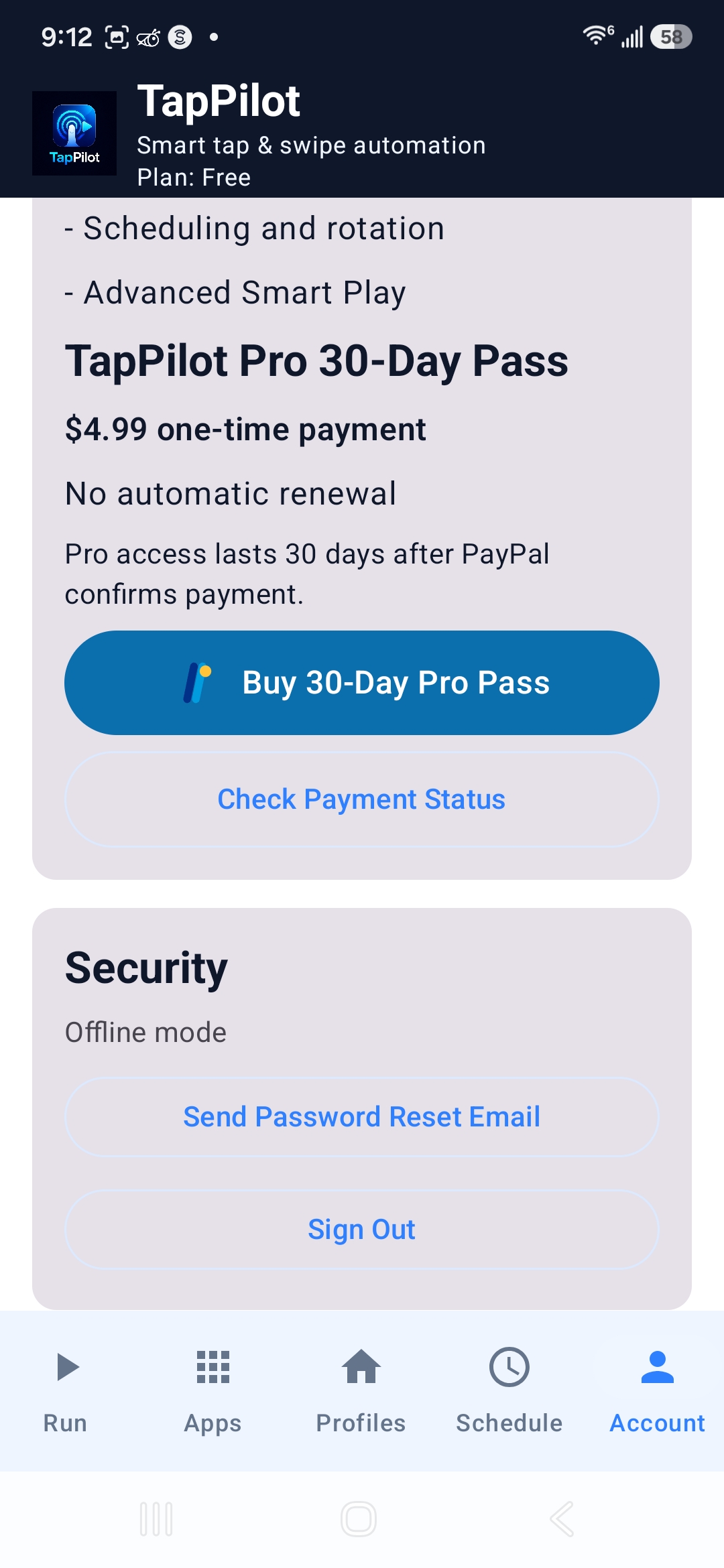
Pro 30-Day Pass
How PayPal checkout, activation, expiration, and Check Payment Status work.
Rewarded ads
Rules for +10 minute rewards, daily limits, and why ads hide while automation runs.
Install troubleshooting
Fix APK install warnings, unknown app permission, storage, and re-download issues.
Payment help
What to do if PayPal opened but Pro did not activate yet.
Accessibility troubleshooting
Fix missing permissions, disabled services, and phone manufacturer restrictions.
Android compatibility
Android-only beta notes and why settings may vary by device.
Responsible use
Use TapPilot only where automation is allowed and follow third-party app terms.
FAQ
Answers to common install, Pro, ads, Accessibility, and support questions.
Beta known issues
Known public beta limits and how to report bugs clearly.
TapPilot quick-start video
Watch a short walkthrough showing how to sign in, enable Accessibility, choose apps, create profiles, and start automation.
Quick-start video coming soon.
Follow the step-by-step guide below for now.
This video shows the basic setup flow. Screens may look slightly different depending on your Android device.
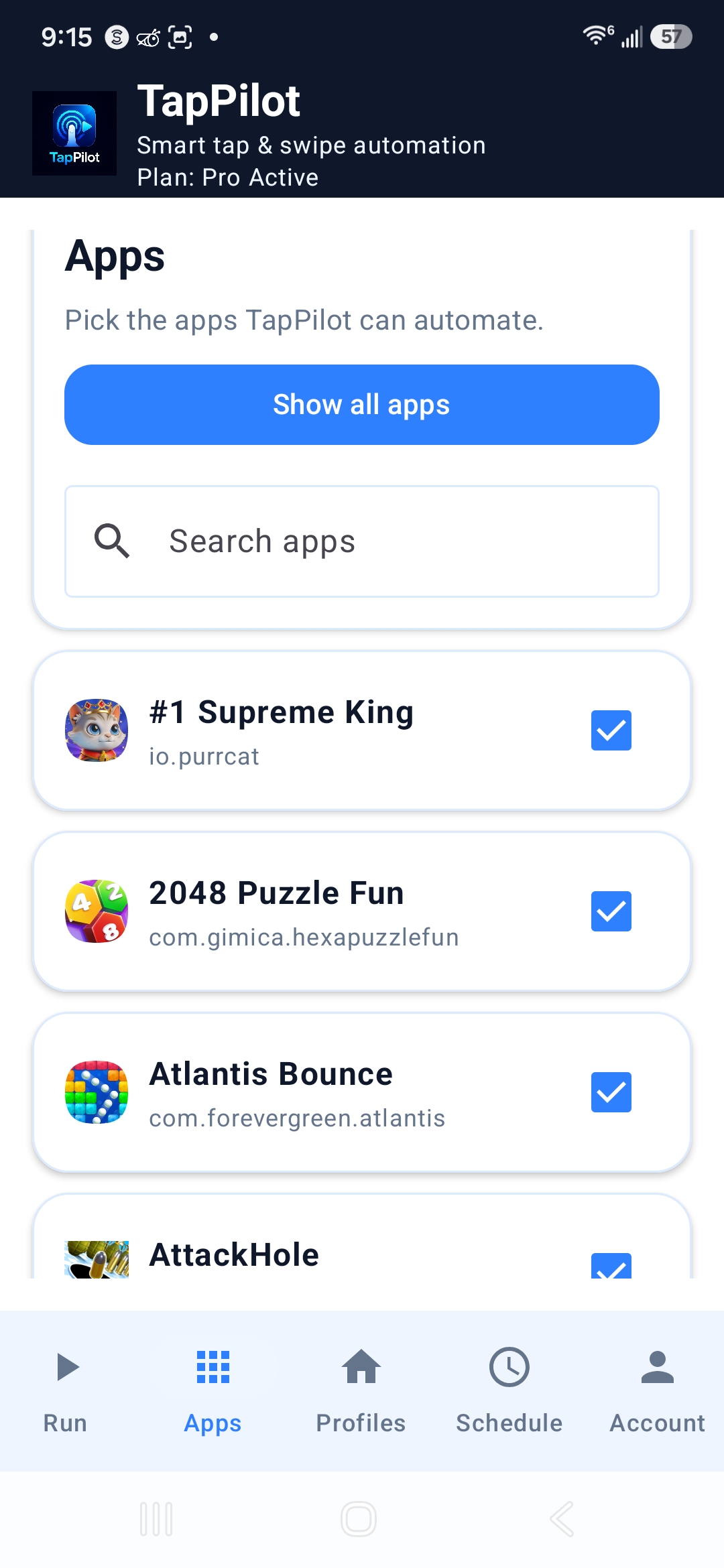
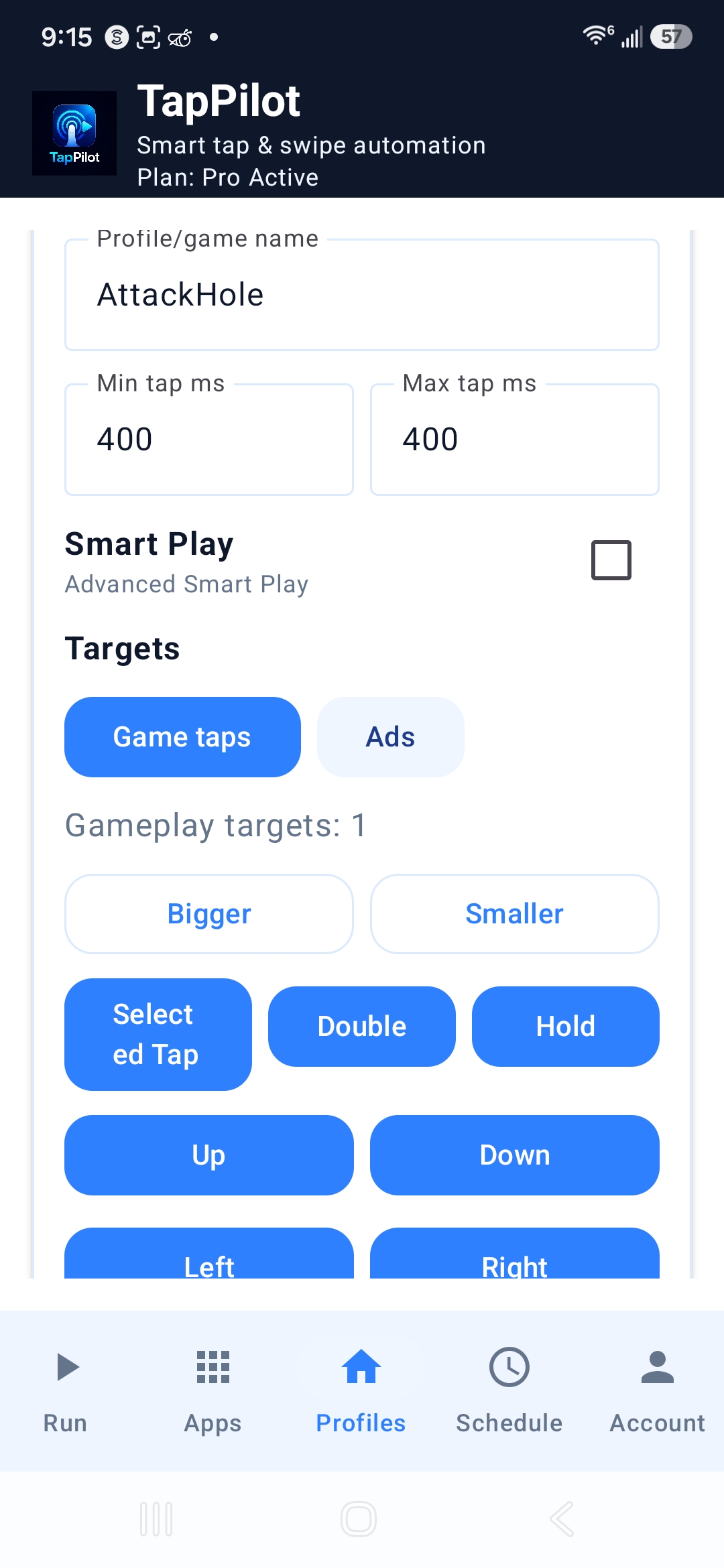
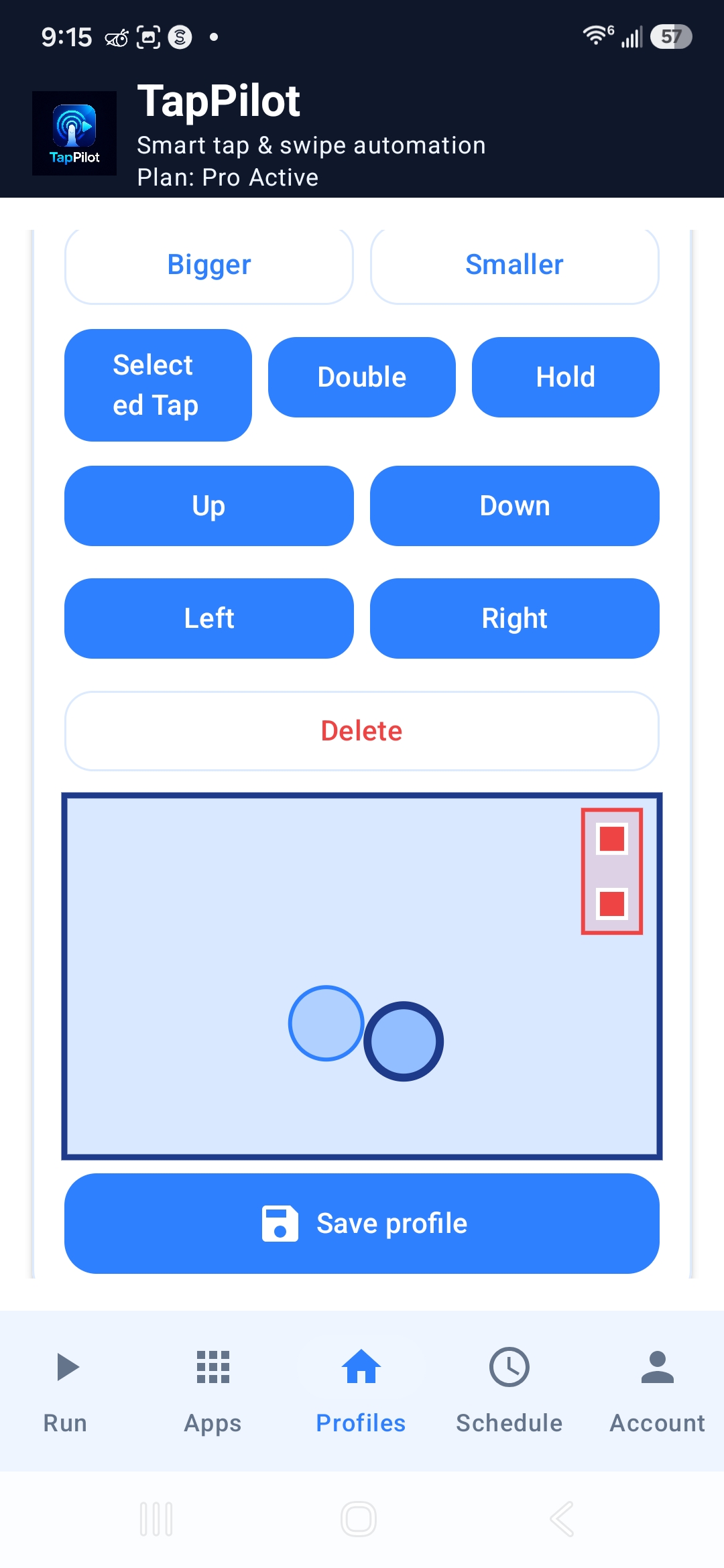
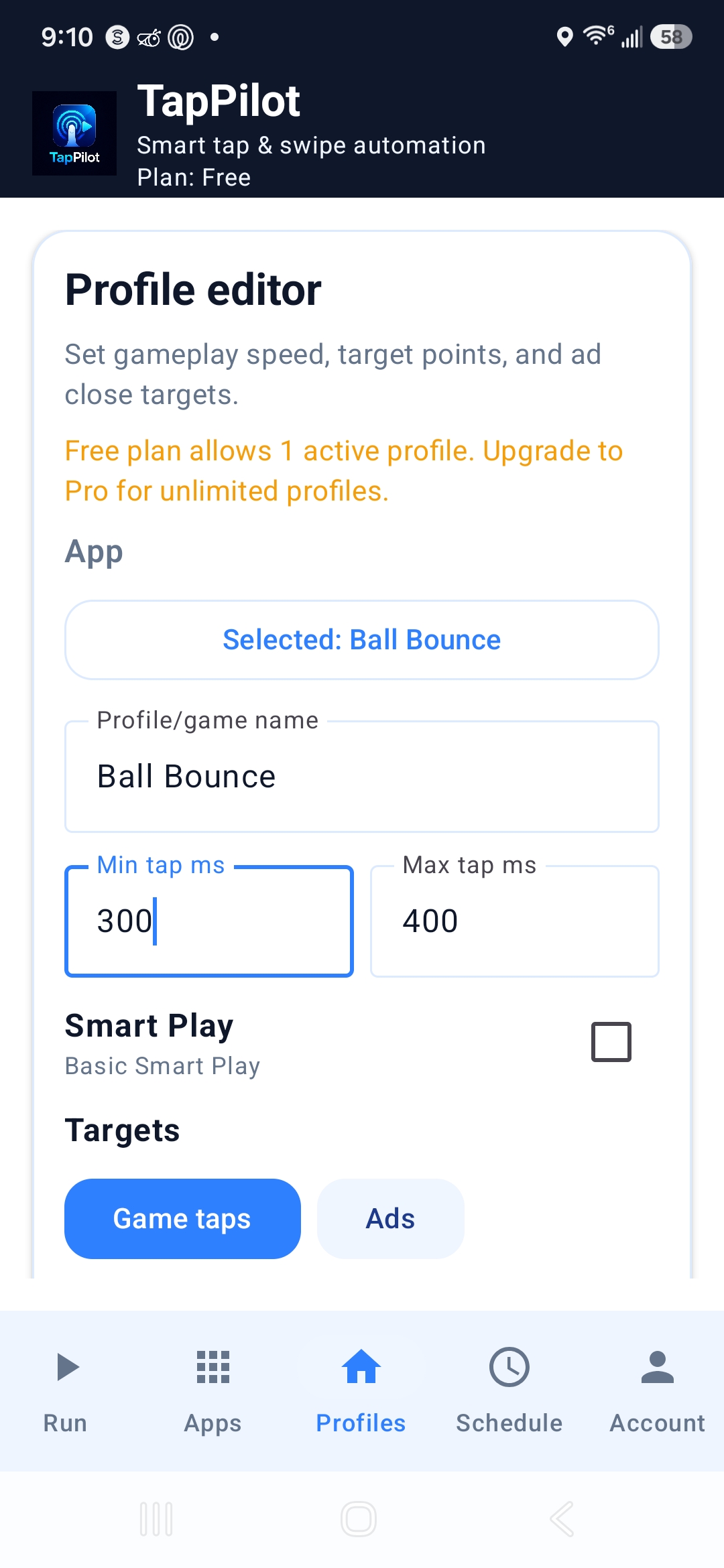
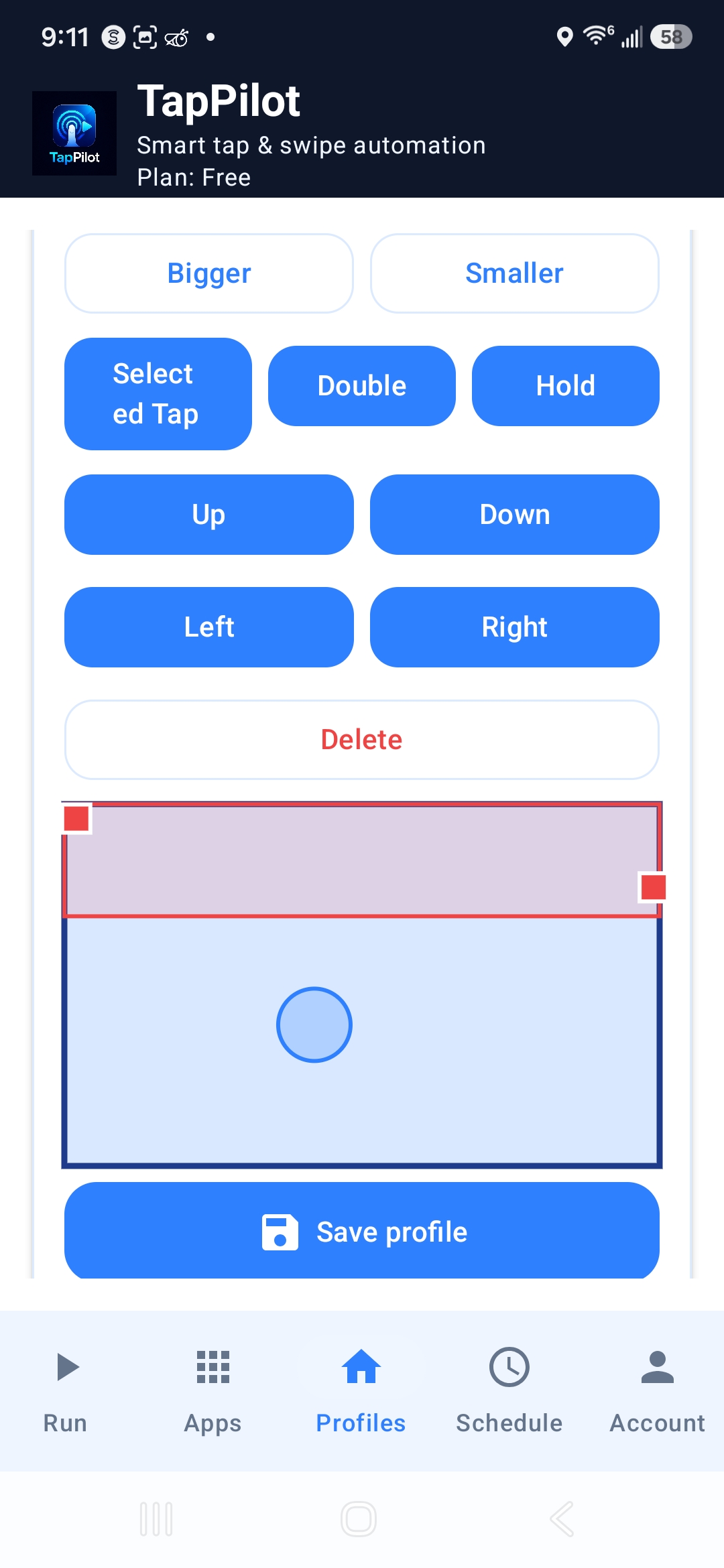
Beta screenshot library
These placeholders match the screenshot files planned for the public beta help center. When screenshots are added under website/assets/screenshots, they will appear automatically.